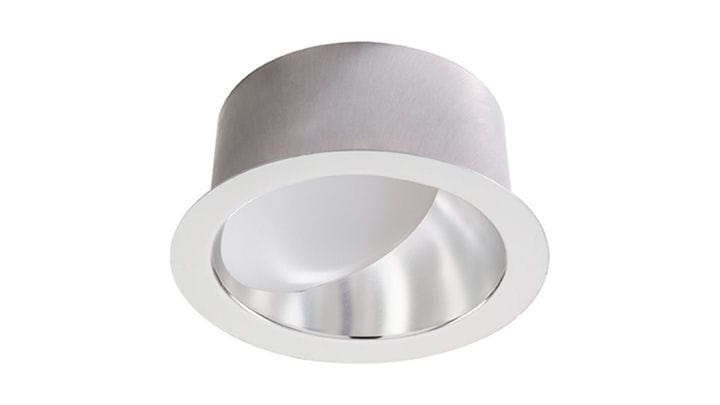

With a legacy of light that began in New York City in the year 1904, Lightolier is the long-standing industry leader in architectural track lighting, downlighting, and innovative decorative fixtures.
Offering a full range of options to suit the needs of budget-conscious retrofits through marquis, high-design flagships, Lightolier expertly blends aesthetic, performance, and intuitive installation characteristics to deliver value to the minds and hands that are part of building the places and spaces where people live, work, and rejoice.
Offering a full range of options to suit the needs of budget-conscious retrofits through marquis, high-design flagships, Lightolier expertly blends aesthetic, performance, and intuitive installation characteristics to deliver value to the minds and hands that are part of building the places and spaces where people live, work, and rejoice.